Joining a campaign
Getting added
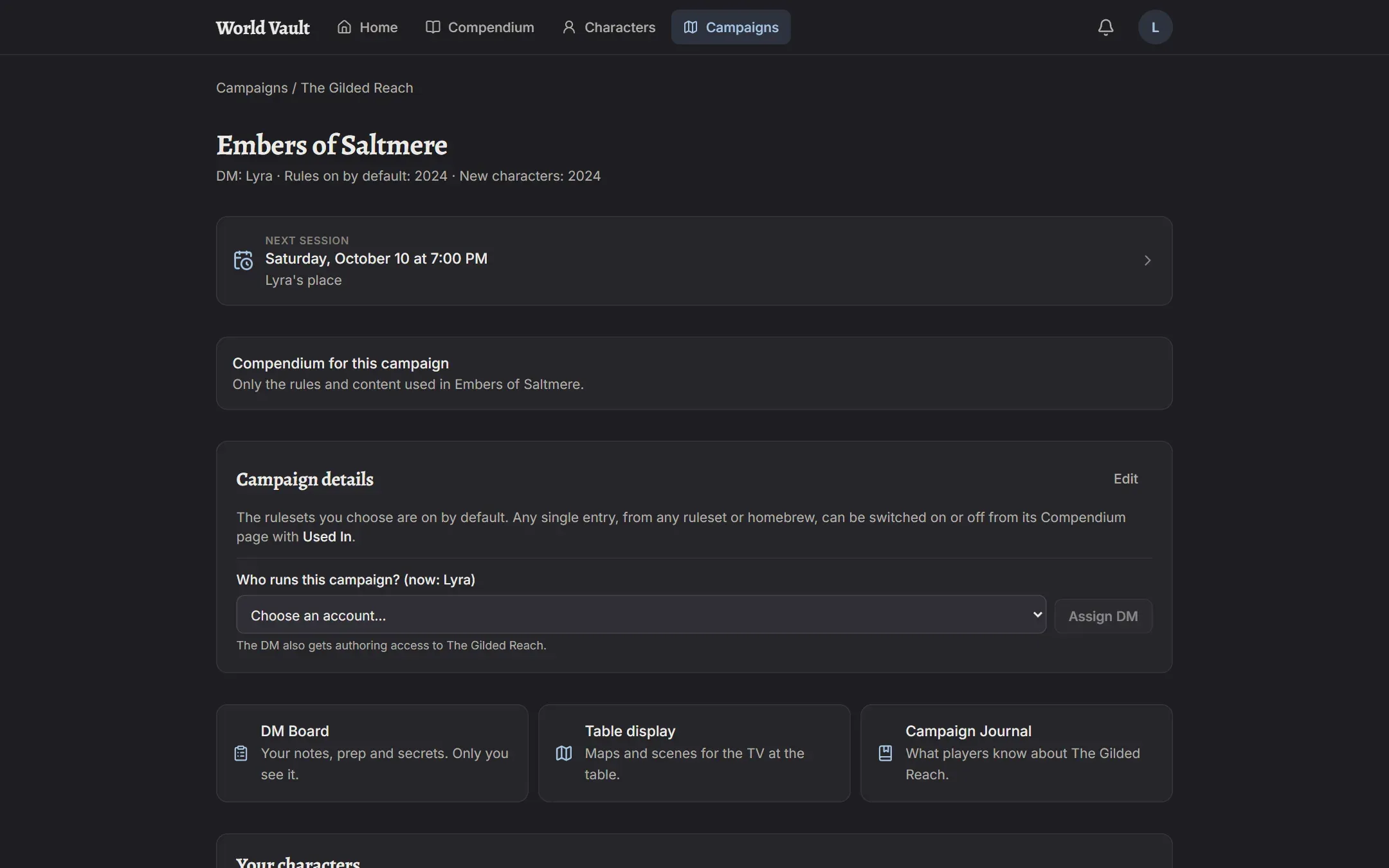
Section titled “Getting added”A campaign’s DM adds you as a player. You’ll get a notification, and the campaign appears on your Home page and under Campaigns.
Bringing a character in
Section titled “Bringing a character in”You play in a campaign with a copy of one of your character templates. There are two ways to bring one in:
- From the campaign’s page: the Your characters card lists your characters already in that campaign and has a button for each template you can bring in.
- From the character’s sheet: under Bring a copy into a campaign, pick the campaign.
The copy opens right away. It lives in that campaign: changes you make there (HP, items, levels) don’t touch your template, and each template can have one copy per campaign.
Keeping your template up to date
Section titled “Keeping your template up to date”If you like what your character became in a campaign, use Save as current character template on the copy to update your template from it.
What your DM sees
Section titled “What your DM sees”Your DM sees your character’s sheet (read only), its HP and conditions on their party dashboard, and can add DM notes, give or take items, apply effects like Bless, and mark a level-up as available.