Requests and bugs
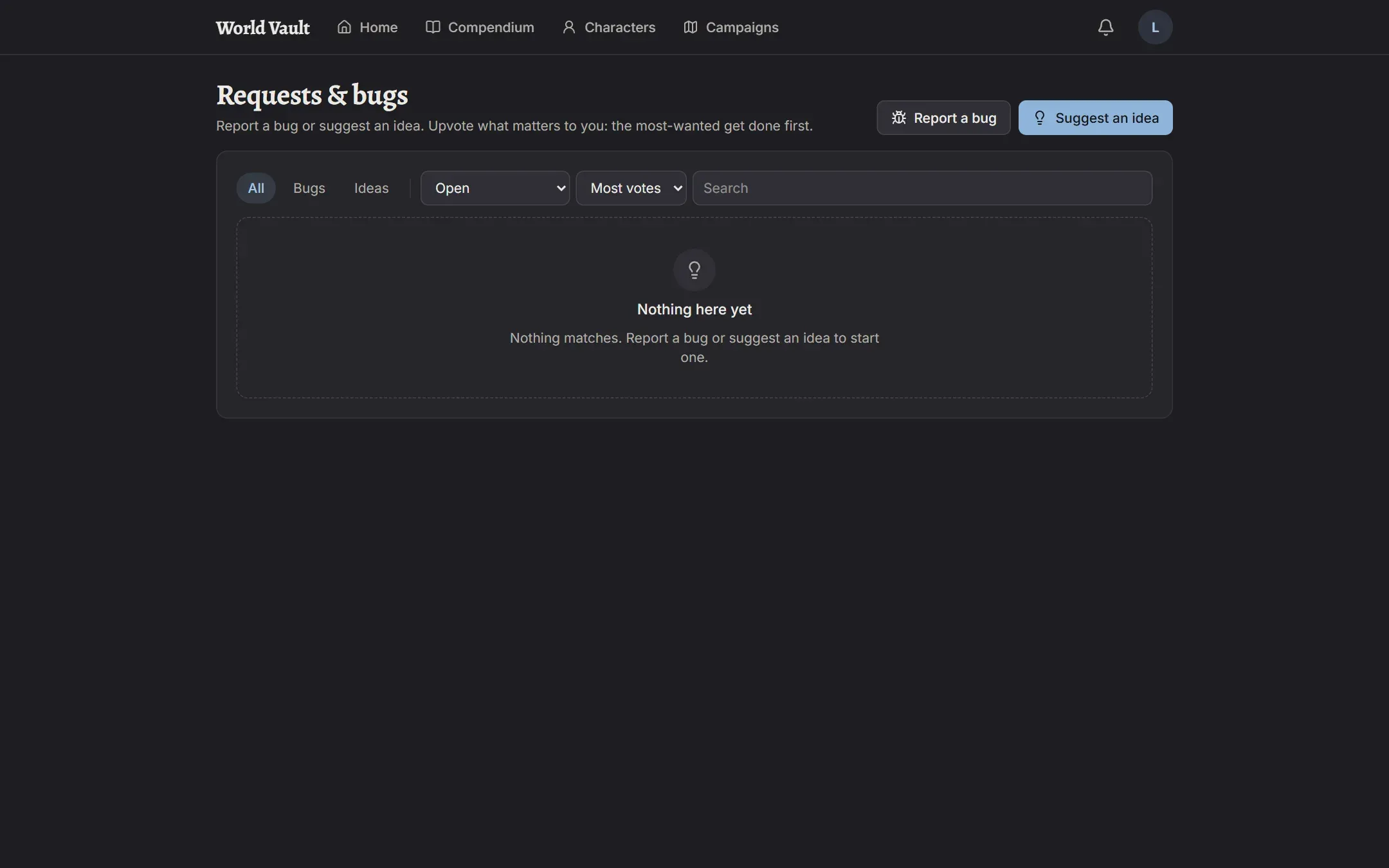
Open your menu (your initials, top right) and choose Requests & bugs to see everything people have reported and suggested.
Report something
Section titled “Report something”- Report a problem here in the same menu opens a bug report that remembers the page you were on.
- Or choose Report a bug or Suggest an idea on the Requests page.
Give it a short title and describe it. For bugs: what you did, what you expected, and what happened instead. Add up to three screenshots if they help.
While you type the title, similar requests appear. If one matches, upvote it instead of reporting it again.
Upvote
Section titled “Upvote”Everyone sees every request. Upvote the ones you care about; the most-wanted rise to the top. Tap your vote again to take it back.
Where it stands
Section titled “Where it stands”Each request shows its status:
- New: not looked at yet.
- Planned: it’s going to happen.
- In progress: being worked on.
- Fixed: done, coming in the next update.
- Released in v…: live in World Vault.
- Won’t do: with the reason why.
You’re notified when something you reported or upvoted is fixed, released, or declined. Turn that off under Notification settings if you’d rather not.